
Family cookbook maker
From recipe box to keepsake book
Scan handwritten cards, add photos and stories, and order a real cookbook your family can keep, gift, and pass down.
Start free. Print one copy or enough for the whole family.
Order a proof copy first, then choose quantity, binding, and shipping when the cookbook is ready.
How it works
From recipe box to printed book in three steps
Scan or add family recipes.
Take photos of handwritten cards, type recipes in, paste from notes, or import recipe images.
Organize the cookbook.
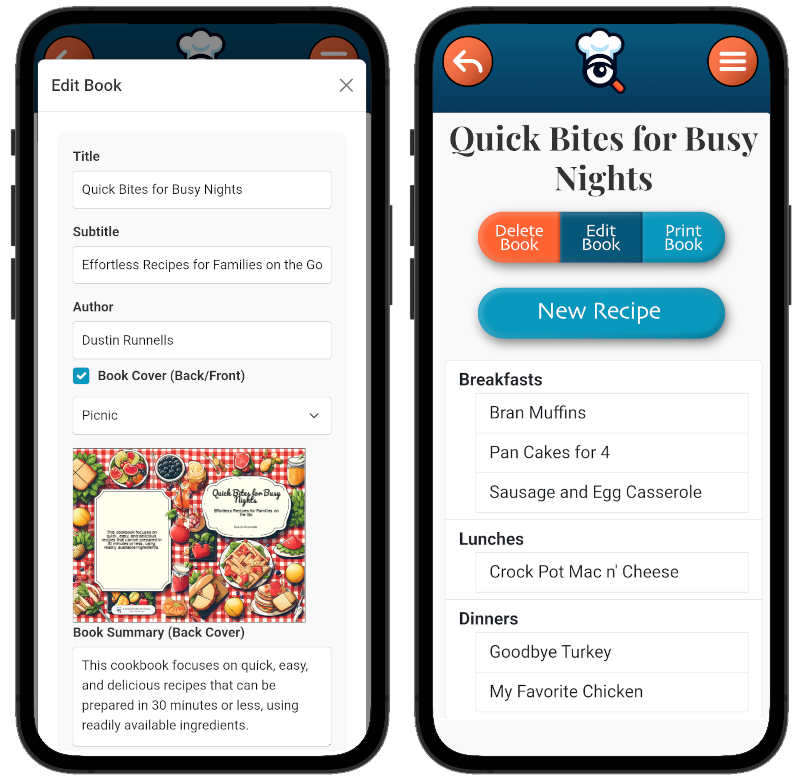
Build chapters, add photos, write a preface, include contributor notes, and choose a cover.
Preview and print.
Review the cookbook pages in the app, choose a binding, and order printed copies when ready.
Printed keepsake
More than a recipe file. A book your family can hold.
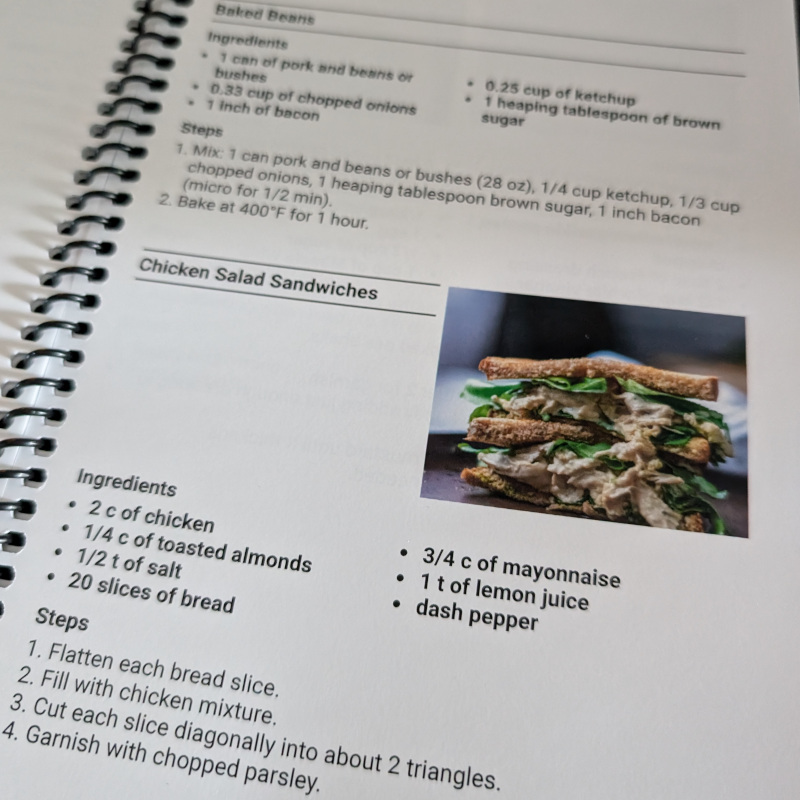
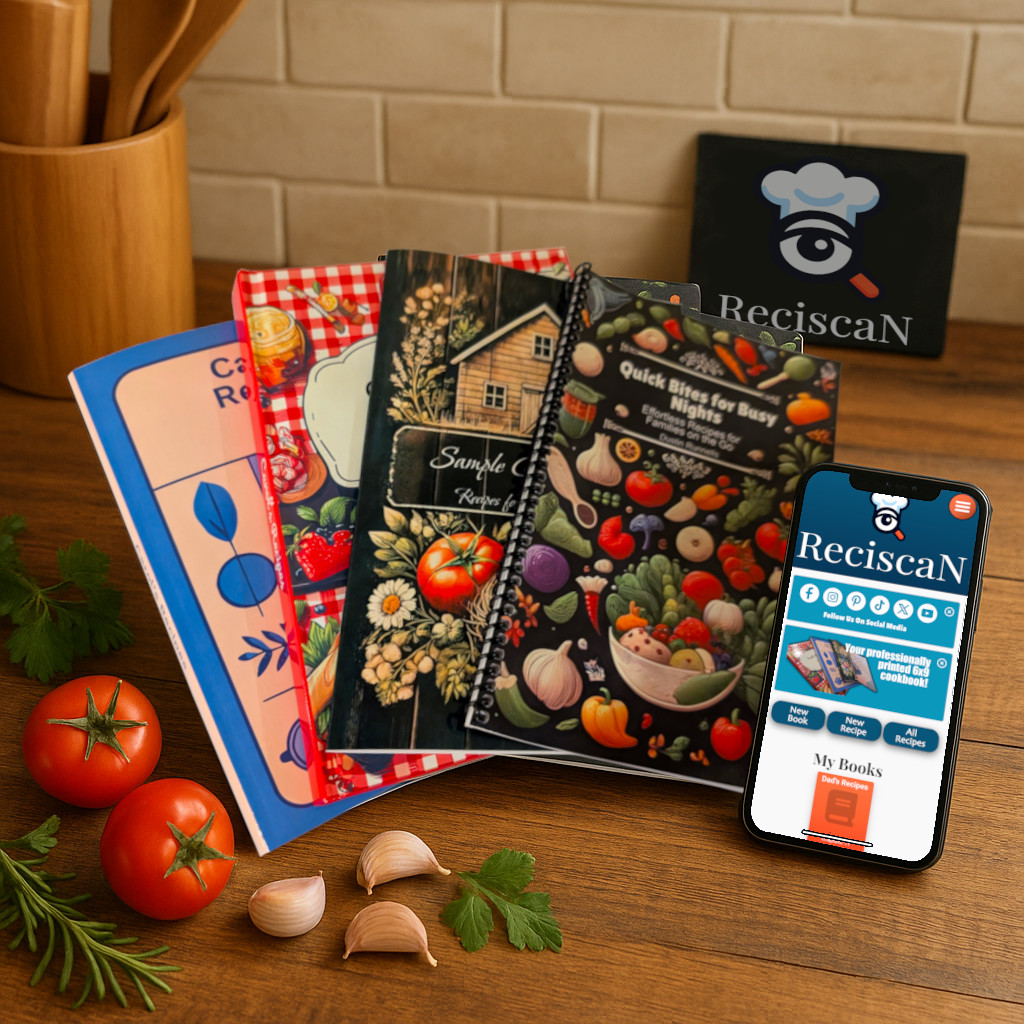
Print options include Coil, Paperback, Hardcover, and Saddle Stitch.
Questions
Family cookbook FAQ
Can I start before I know how many copies I need?
Yes. Build the cookbook first, preview it, and decide how many printed copies to order later.
Do I need design skills?
No. ReciScan formats cookbook pages for you. You can still customize covers, chapters, photos, and notes.
Can I include handwritten recipe cards?
Yes. You can scan or photograph cards, edit the recipe text, and include the recipes in your printed cookbook.
Can I order one copy first?
Yes. A proof copy is a good way to review the book before ordering for the whole family.
1:44 finished-book tour
See What a Finished ReciScan Cookbook Looks Like
Flip through a real printed cookbook to see how custom covers, recipe layouts, photos, handwritten cards, and personal pages come together in the finished book.
A close-up look at the cover, binding, recipe pages, photos, custom content, and back cover. Watch on its dedicated video page.
- Custom front and back covers
- Photos and handwritten cards
- Chapters and custom pages
- QR codes and personalized styling
About this example: The featured book was created for a team fundraiser. The same print quality, formats, and cookbook design features are available for family keepsakes, gifts, creator cookbooks, and community projects.