
Handwritten recipe scanner
Turn old cards into cookbook pages
Take a photo of old recipe cards, clean up the recipe, edit anything you need, and add it to a cookbook you can print.
Built for old cards, typed recipes, screenshots, and family cookbook projects.
Scan to print workflow
The scan is just the start
Photograph the recipe.
Use the phone camera on a handwritten card, typed card, recipe photo, or screenshot.
Review and edit.
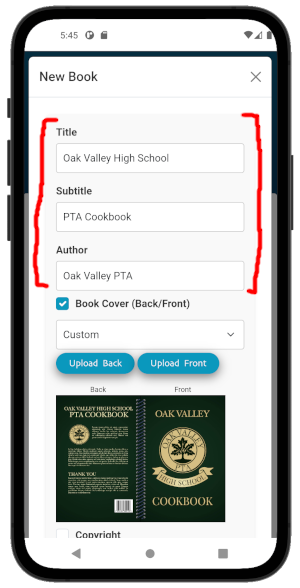
Clean up the transcribed recipe, fix ingredients or instructions, and keep personal notes.
Add it to a cookbook.
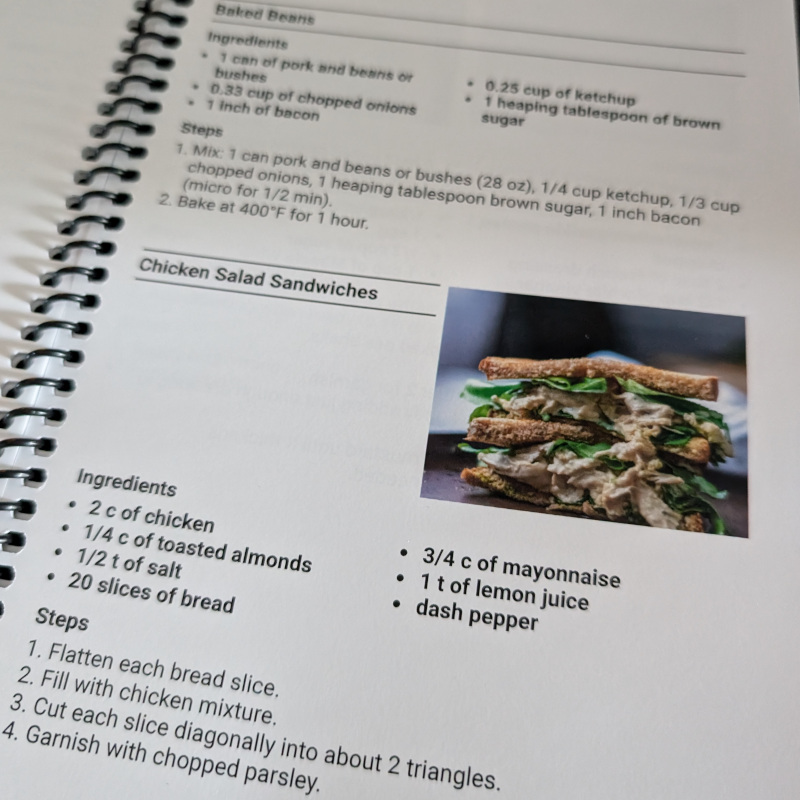
Place the recipe in a chapter, add photos if you want, and print the finished book when ready.
Printed outcome
Do more than digitize the cards.
ReciScan helps turn the scan into a print-ready family cookbook, with editable recipes, chapters, photos, and printed copies when the book is ready.
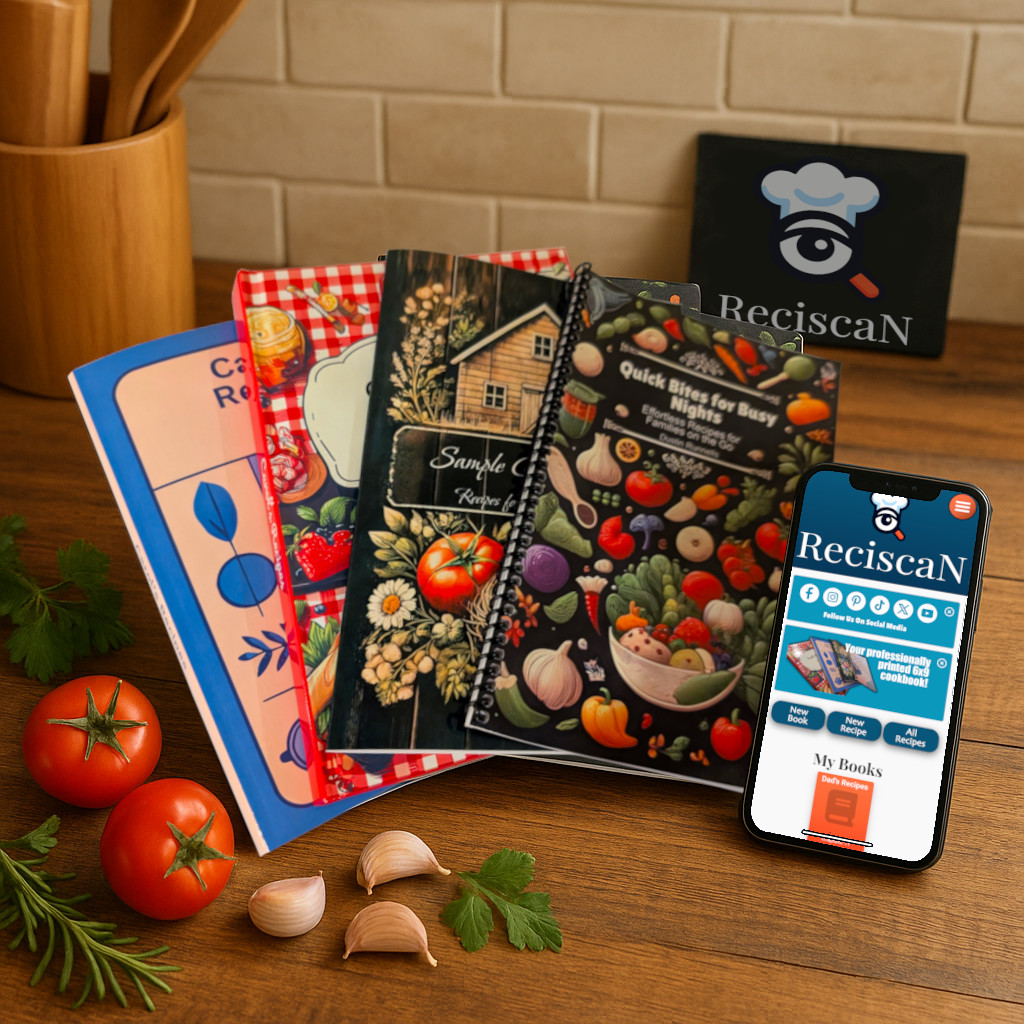
A scanner for recipe cards, built around the cookbook you want to print.
Questions
Handwritten recipe scanning FAQ
Will it work with cursive handwriting?
It can help with handwritten cards, but old handwriting varies. You can review and edit the recipe before it goes into your cookbook.
Can I keep a photo of the original card?
You can add recipe photos and preserve the recipe text in the cookbook layout.
Can I scan typed recipes or screenshots too?
Yes. ReciScan can help with handwritten cards, typed cards, screenshots, and recipe photos.
Is this just a recipe scanner?
No. The scanner is the starting point. The main outcome is a printed cookbook.